Keep the idea moving. Keep the document yours.
Draw, build a system, animate a detail and review the change. Fanta connects the visual canvas, readable source and agents around one local project.
A shared document
Make an edit. Follow it through.
Change the button’s fill or corner radius on either side. This interactive illustration keeps the canvas and FNX together. On a phone, switch between Canvas and Code.
Interactive illustration · Try the controls or play the short sequence.
Explore FNXDrawing & layout
Stay close to the detail.
Select layers, adjust properties and refine paths on a light canvas. Frames, text, shapes, vectors and auto-layout provide the structure for the next edit.
Vector editing · interface illustration
Design systems
Give the detail a system.
Build with components, variants and instances. Use variables, aliases and modes to keep repeated colors and values connected across a project.
Variables and modes · interface illustration
Motion
A timeline for the details.
Animate supported properties with clips and keyframes, then inspect the result at the playhead. Motion stays attached to the layers you are already editing.
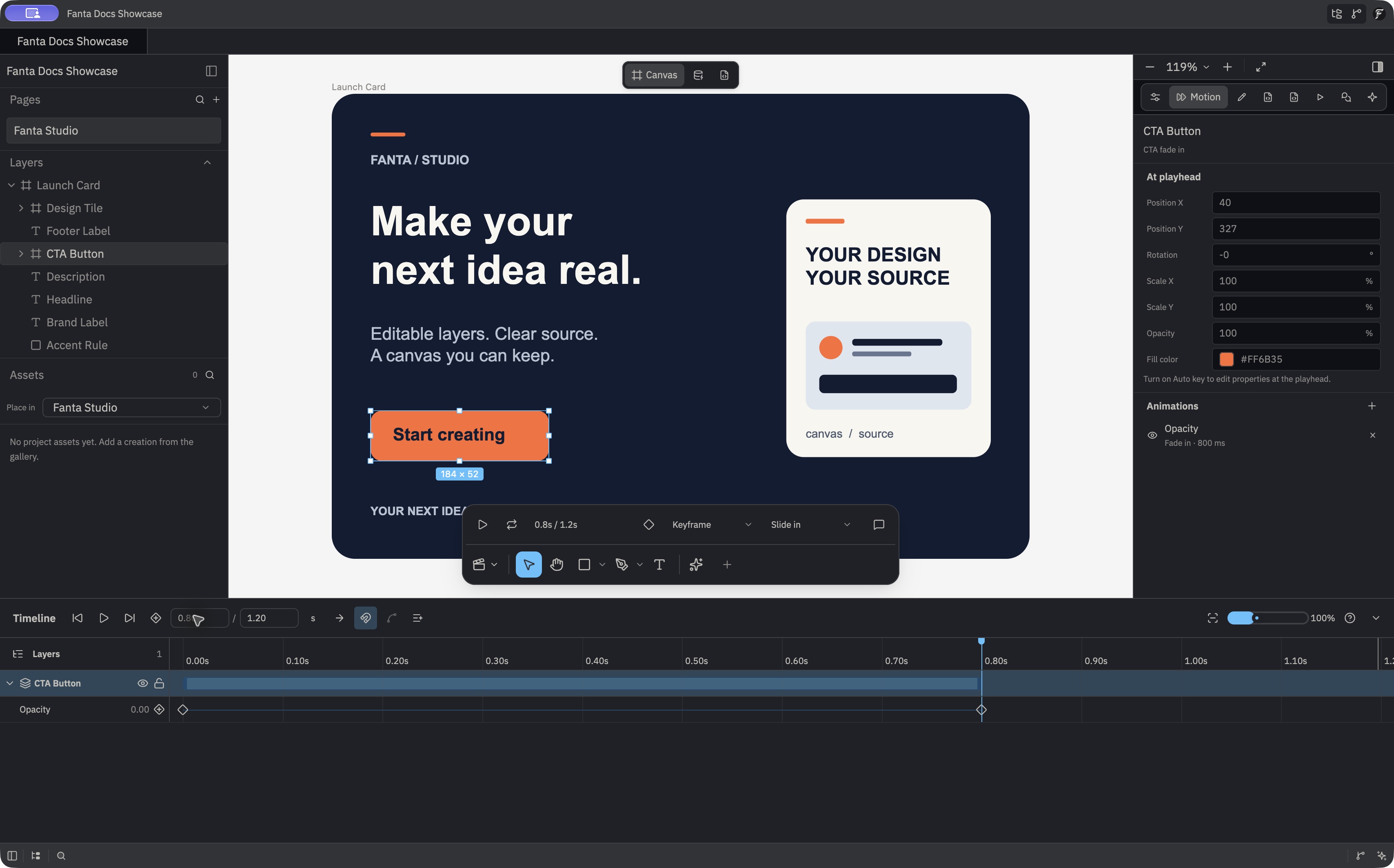
Prototypes
Make the next step tangible.
Set a flow starting point, add supported interactions and test the result in presentation mode. Keep the interaction beside the design it belongs to.
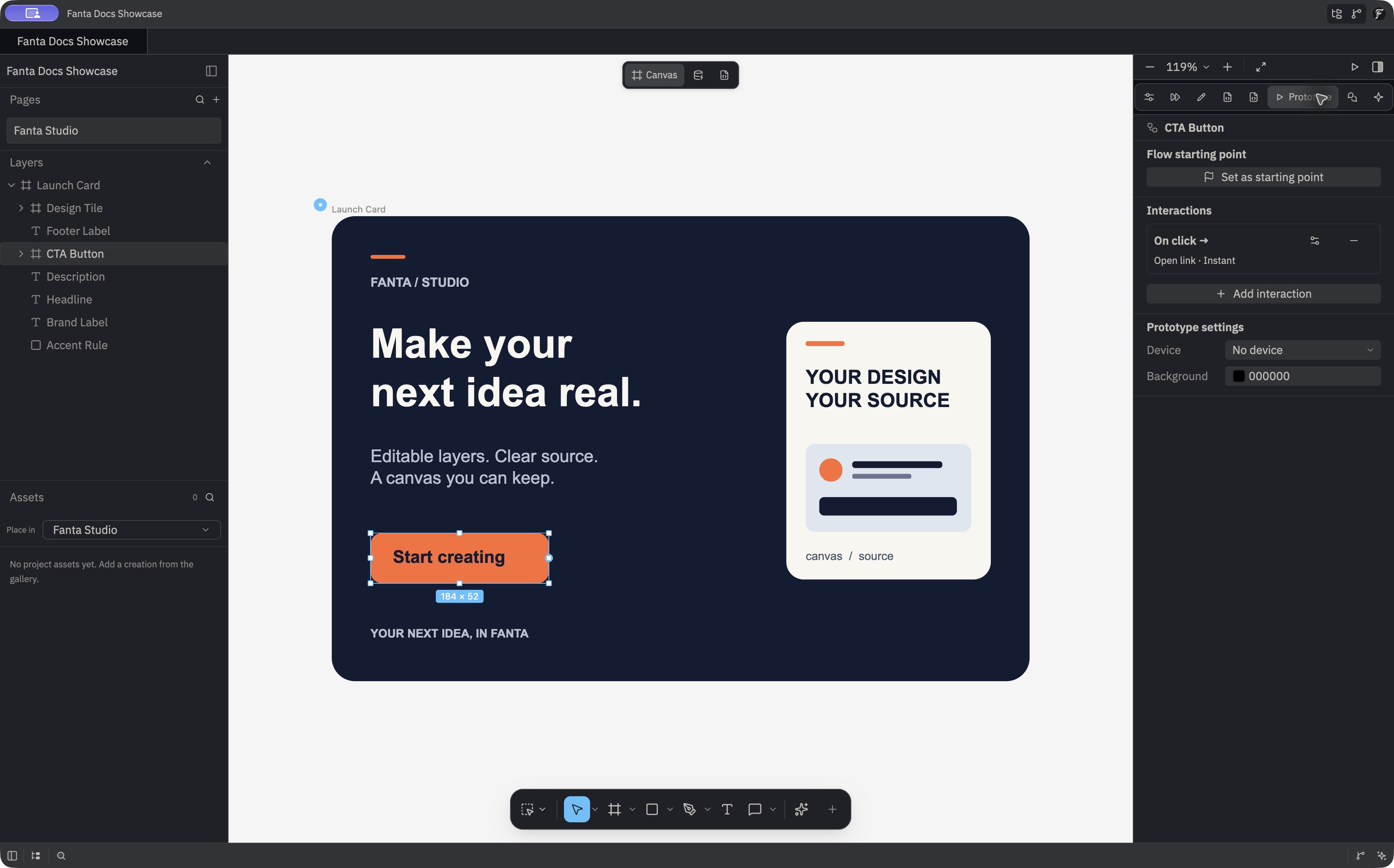
Comments & review
Keep the conversation with the work.
Pin a comment to the canvas, reply with context, attach a file and resolve the thread. Motion comments can reference a time.
Comments are stored with the local project. Shared cloud multiplayer is not an established Public Alpha workflow.
Git & agents
Make the change reviewable.
Inspect readable FNX and review file changes in Git. Connect an external agent through local MCP, or work with the in-app Agent Panel on supported routes.
Give the agent a bounded task and inspect the result.
Review the canvas, the saved file and the source diff.
Keep Git available for repository workflows.
Import & media
Bring the pieces together.
Import supported .fig content as editable native structure, place supported media and export the result. Check the format notes before planning a full migration.
Hosted generation depends on the routes enabled for your account and uses paid credits. Supported provider keys and private endpoints are configured separately for chat and agent workflows.
Choose a workflow, check its scope
Start with the app you can install.
This overview follows the October 19 documentation. The Public Alpha installer is Build45, released October 12. Later source improvements need their own installed-app checks.
Apple Silicon Mac · manual updates · current import and capability limits apply. The download page lists requirements, installation steps and known issues.
Support is part of the alpha
Answers, troubleshooting and a direct line to the team
Installation, credits, local files, privacy, model providers and editor workflows are covered in one practical support center.